Physical Address
Ottawa ,ON, Canada
Physical Address
Ottawa ,ON, Canada

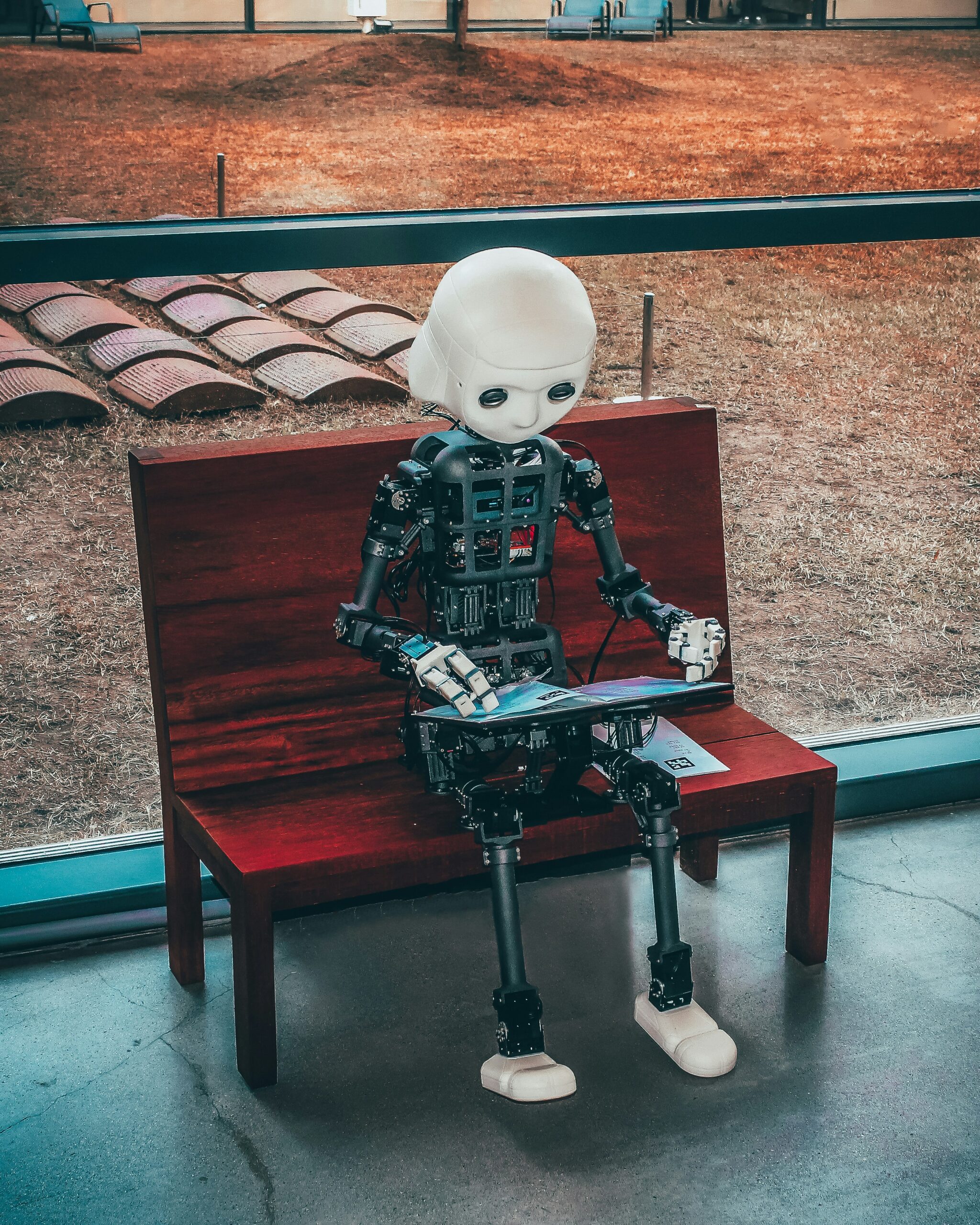
The AI revolution in graphic design 2025 is changing how creatives work. From automating tasks to generating original designs and personalizing content, AI tools are empowering designers to produce faster, smarter, and more impactful work.
AI in graphic design has shifted from experimental workflows to a core part of modern creative production. In 2026, marketing teams, agencies, and enterprises use AI-powered tools to generate visuals, streamline editing, and automate repetitive design tasks.
AI in graphic design now supports everything from concept ideation to full campaign execution. This guide explains tools, workflows, real-world use cases, ROI expectations, and trends shaping the future of design.
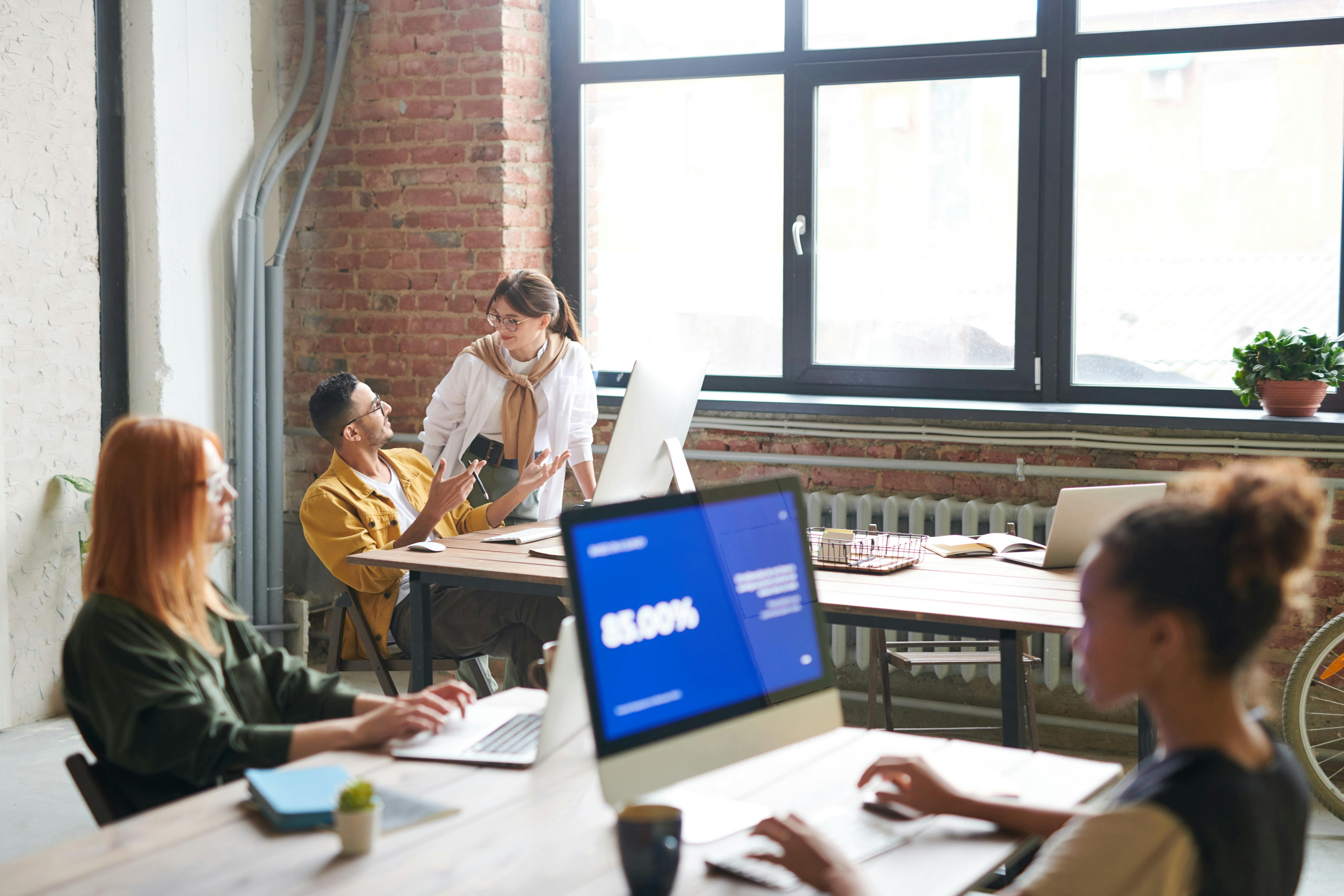
AI in graphic design refers to using machine learning and generative tools to support creative workflows. These platforms automate repetitive production tasks, suggest layouts, and help teams scale output efficiently.
AI-powered tools commonly support:
Modern teams often combine AI tools with structured workflows like those explained in our GPT-5 for work guide to streamline creative operations.
| Tool | Best For | Strength |
|---|---|---|
| Adobe Firefly | enterprise workflows | brand consistency |
| Midjourney | creative visuals | image quality |
| Canva AI | marketing teams | ease of use |
| Figma AI | UI workflows | collaboration |
| Runway | motion design | automation |
Many organizations also integrate these tools into structured systems like our AI design stack for marketing teams.
Most teams implement AI design workflows using a hybrid human-AI model that balances automation with creativity.
Use generative tools to explore layouts and visual concepts quickly.
Refine assets using structured platforms like Figma and Adobe tools.
Automate resizing, exports, and publishing workflows.
AI significantly accelerates social media and paid ad production workflows by reducing manual work and turnaround time.
AI helps maintain brand consistency across multi-channel campaigns.
AI supports rapid prototyping and design iteration cycles.
| Area | Time Saved | Impact |
|---|---|---|
| Social assets | 60% faster | High |
| Ad creatives | 50% faster | High |
| Brand content | 40% faster | Medium |
The ROI of AI in graphic design is most visible in teams managing large-scale campaign production.
These trends show how AI continues reshaping creative workflows across industries.
AI in graphic design is now essential for modern creative teams. Organizations combining structured workflows with automation achieve the strongest results.
👉 Explore our Platform Guide for complete workflows.
AI helps generate visuals, automate editing, and streamline design workflows across teams.
Top tools include Adobe Firefly, Canva AI, Midjourney, Figma AI, and Runway.
No. AI supports designers by automating repetitive tasks and improving efficiency.
Yes. Most teams see faster production cycles and improved output quality.